Cited Answers
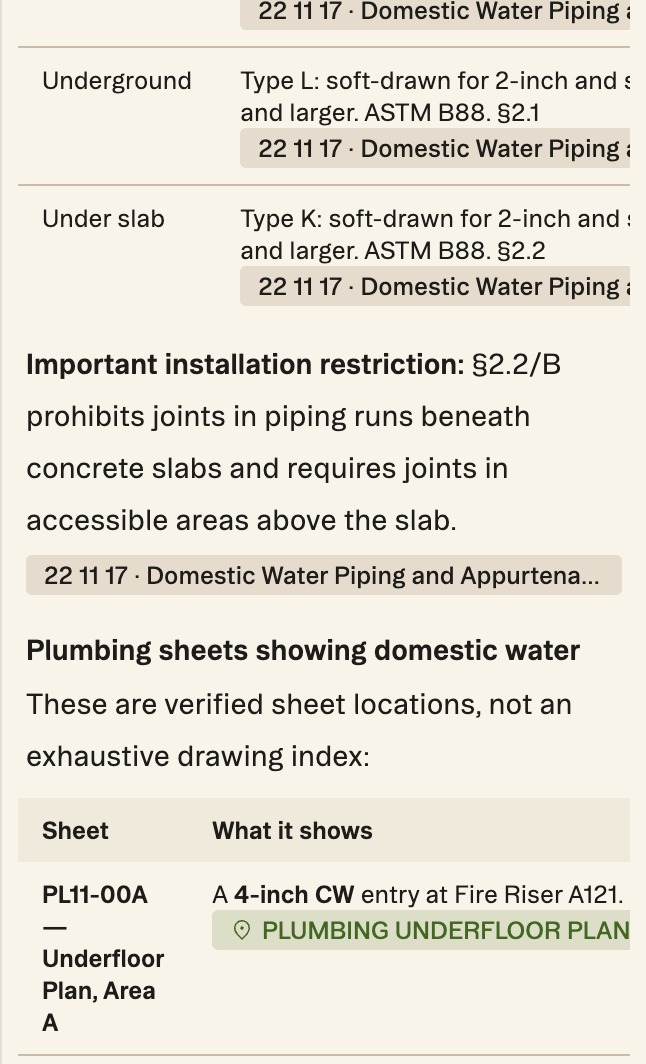
Every answer has a source, and every source is one click away. When chat mentions a page, scope, issue, spec section, quantity or model element, it includes a chip that takes you straight there.
Updated 1 minApplies to: MapFeedback →
What a chip does
Click a citation and the map flies to that item and opens it for a closer look. The destination depends on what was cited:
| Chip | Where it takes you |
|---|---|
| Page or sheet | The sheet in Focus View, with the cited area outlined |
| Scope or scope item | The scope of work |
| Issue (RFI, risk, scope gap) | The Risk Register, with the issue expanded |
| Spec section | The section in the detail panel, scrolled to the cited clause and highlighted |
| Quantity or tag | The measurement on its sheet, with the Quantities panel scrolled to it |
| Model element | The 3D tab, with the elements highlighted |
Scopes and issues in a reply are laid out as consistent pill tables, so an answer that lists six trades and their open RFIs reads as a table, not a paragraph. Schedules and comparisons come back as formatted tables too.
Which version a citation points to
When an addendum has reissued a sheet, check the sheet number and date in the sheet banner before you rely on a citation.
Tip — Ask for sources explicitly when it matters — cite the pages you used — and check the chips before you act on the answer. It's the same idea as everywhere else in Struction: the answer and the evidence are never separated.
More docs