
Quote Builder Overview
The Quote Builder page takes your takeoff and places retaining wall units within the envelope, in accordance with estimation charts provided by the wall system proprietor. This page lets you review, modify, and quote the retaining wall in one location.
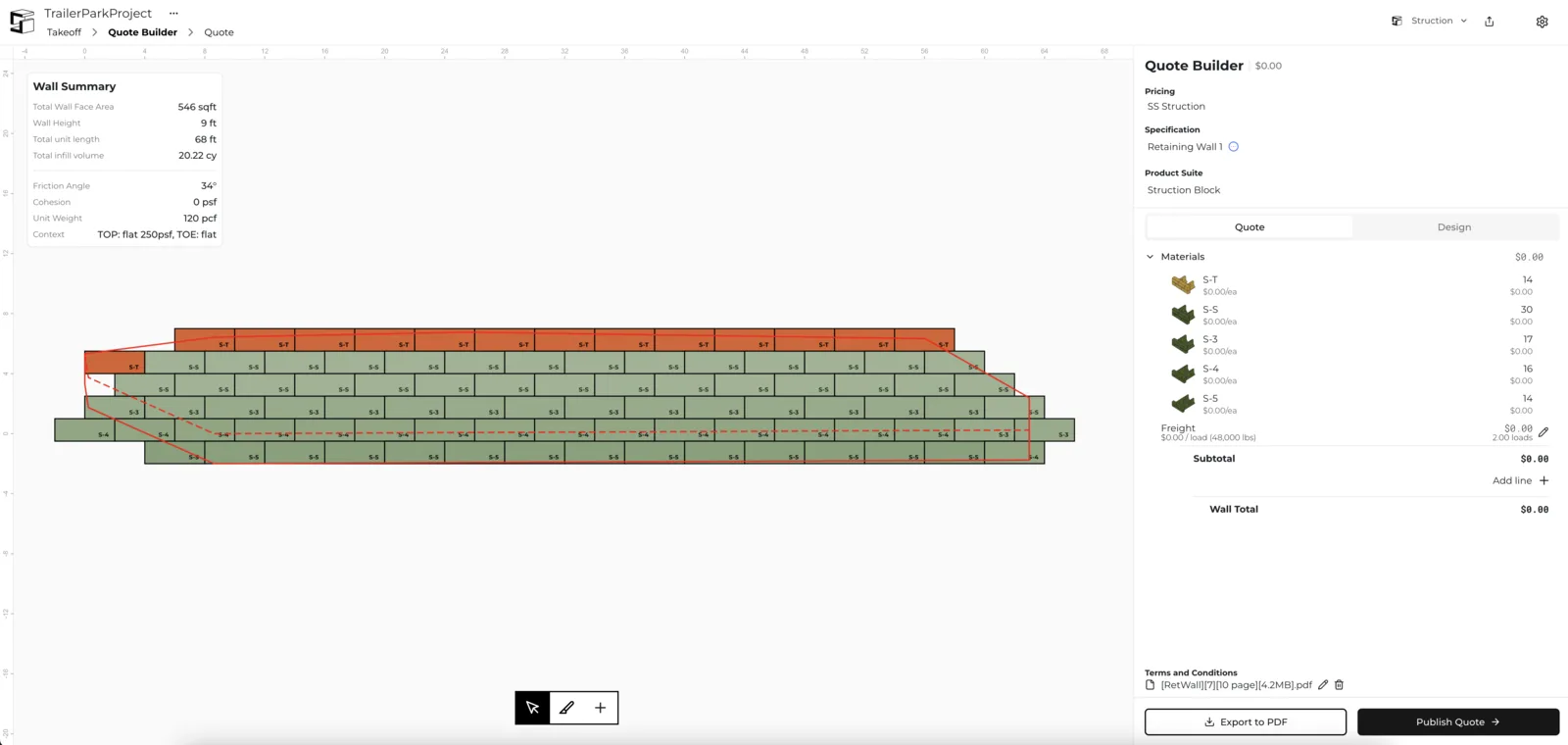
The interface has three main areas:
- The Canvas (center) — a visual representation of the retaining wall. See The Canvas.
- Wall Summary (upper left) — key wall information. See Wall Summary.
- Quote Builder panel (right) — quote configuration and pricing.
Quote Builder panel
The Quote Builder panel is the large column on the right side of the screen. It's where you adjust high-level information about the wall to produce an accurate quotation.
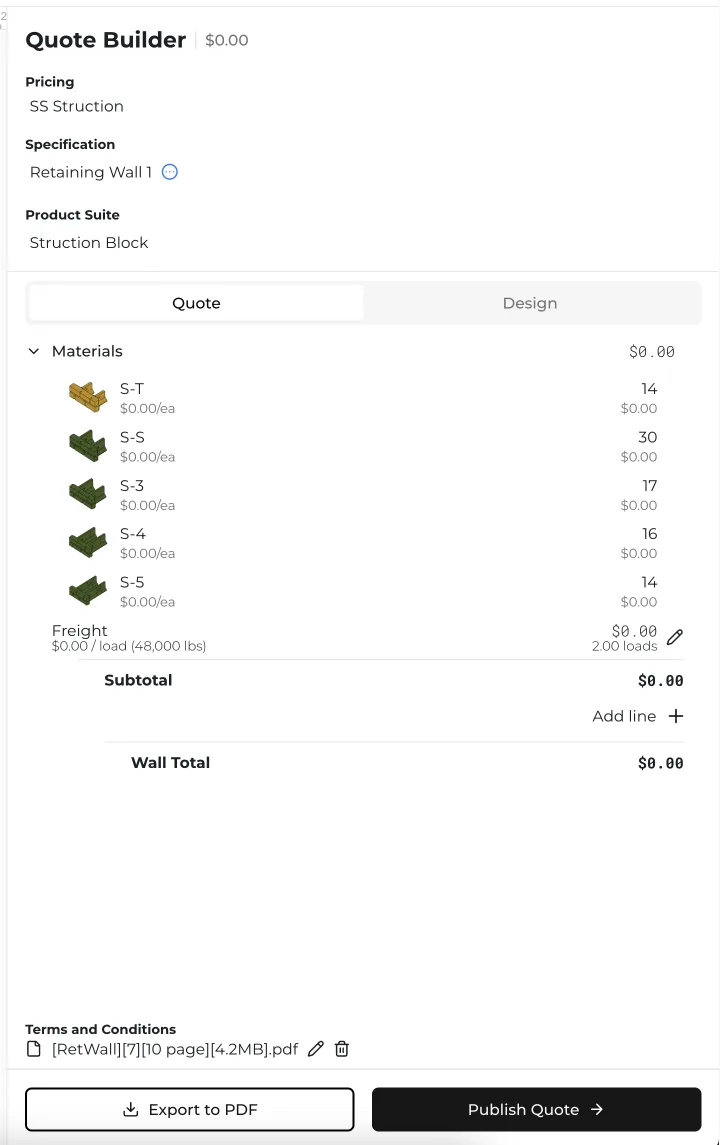
The top section has four key components:
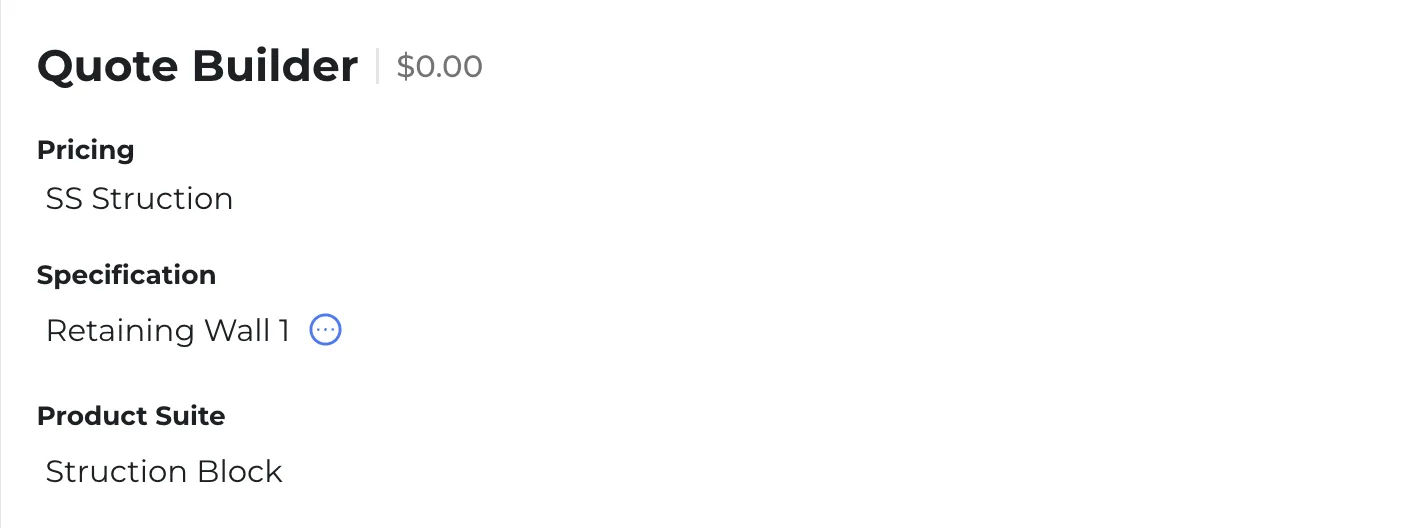
- Grand Total — listed to the right of "Quote Builder". You can only change this figure by adjusting the individual prices of each wall in the Quote tab.
- Pricing — shows which pricing chart this wall is quoted with. Click the field below "Pricing" to pick another, if you've created more than one.
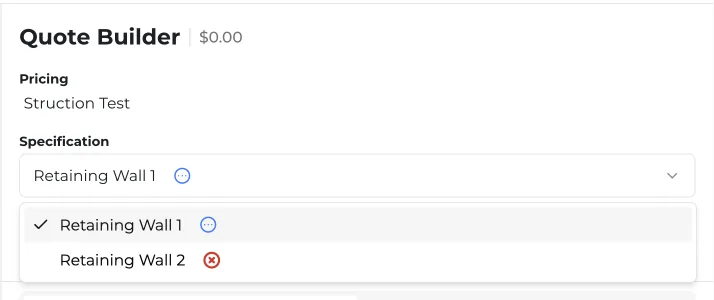
- Specification — shows which retaining wall you're reviewing or modifying. Click the field below "Specification" to switch walls, if you've taken off more than one.
- Product Suite — shows which retaining wall system you want to build this wall in. Click the field below "Product Suite" to switch systems, if your account has access to others.

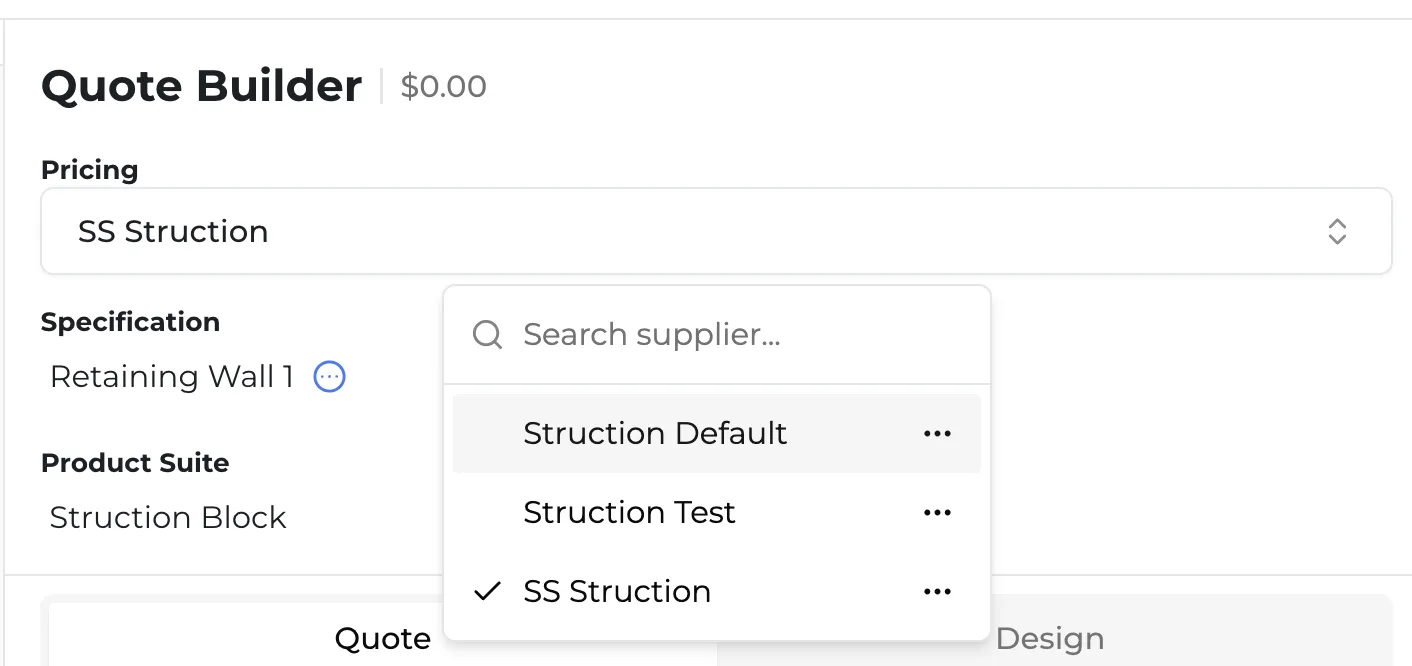
Need another wall system? If you'd like access to additional retaining wall systems, reach out to help@struction.com.
More docs
Docs for