
Logging In
If this is your first time using Struction you need to sign up, even if we already created a Struction instance for your company. If you've used Struction before, sign in instead.
New users (signing up)
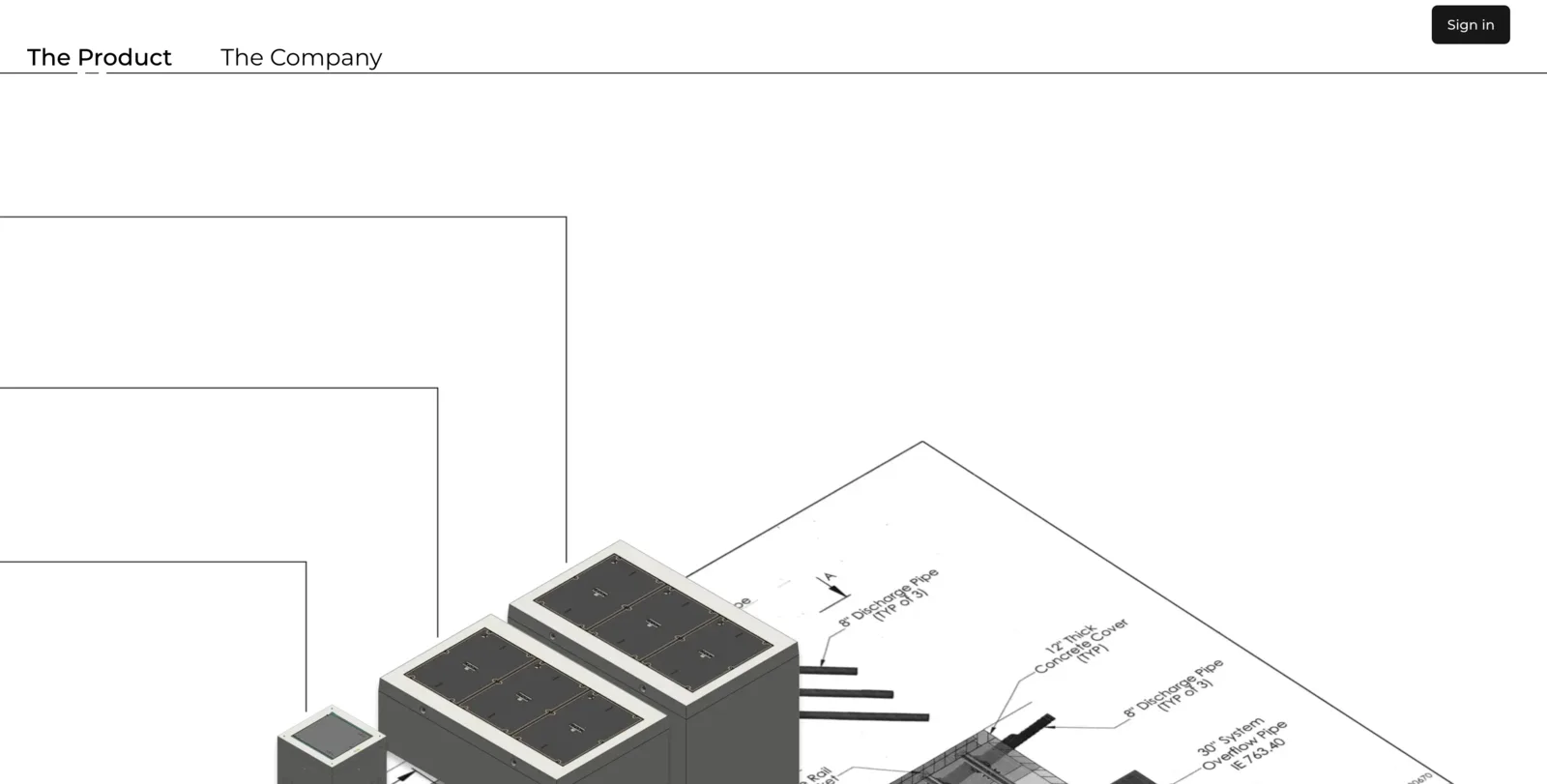
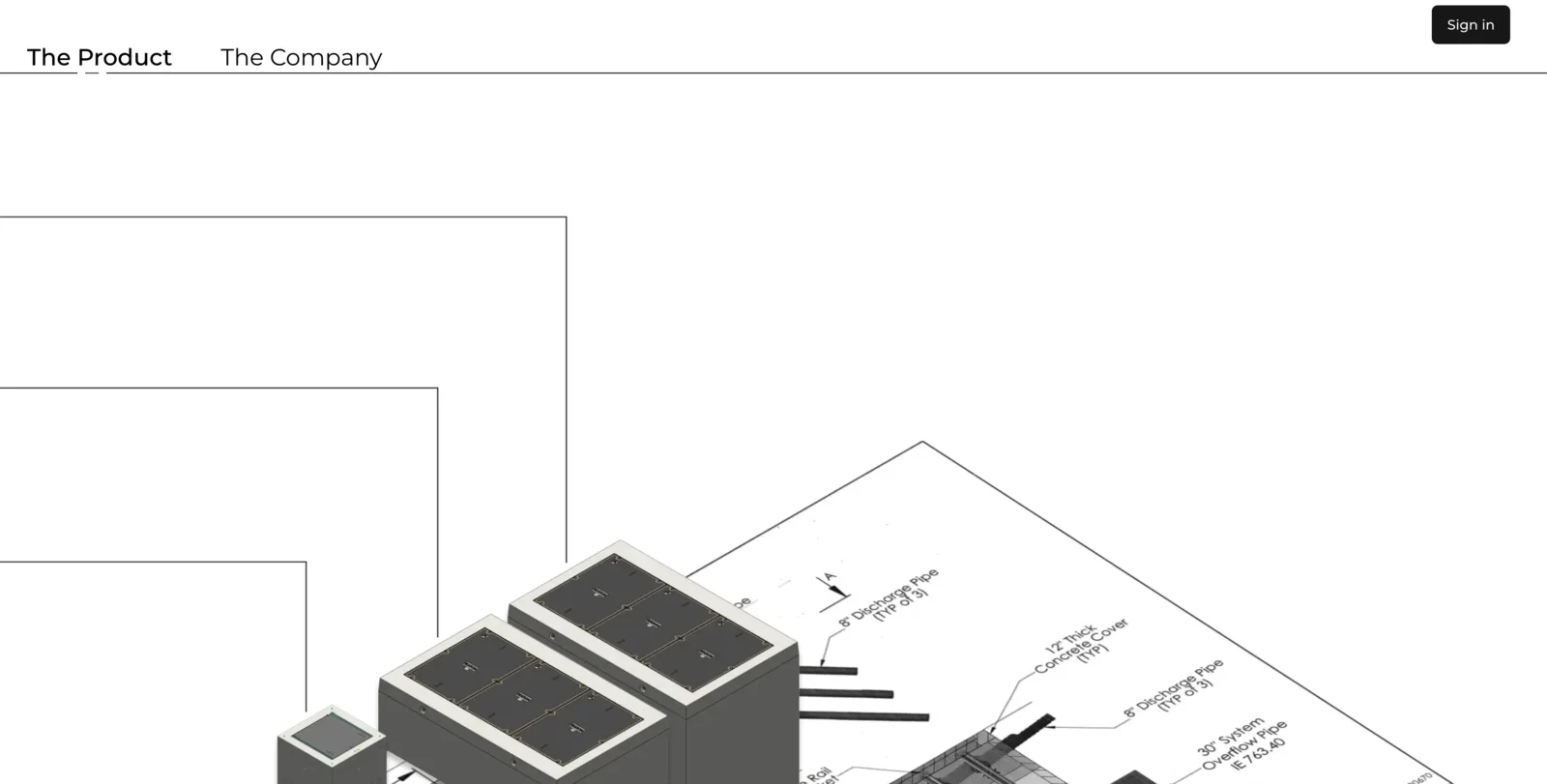
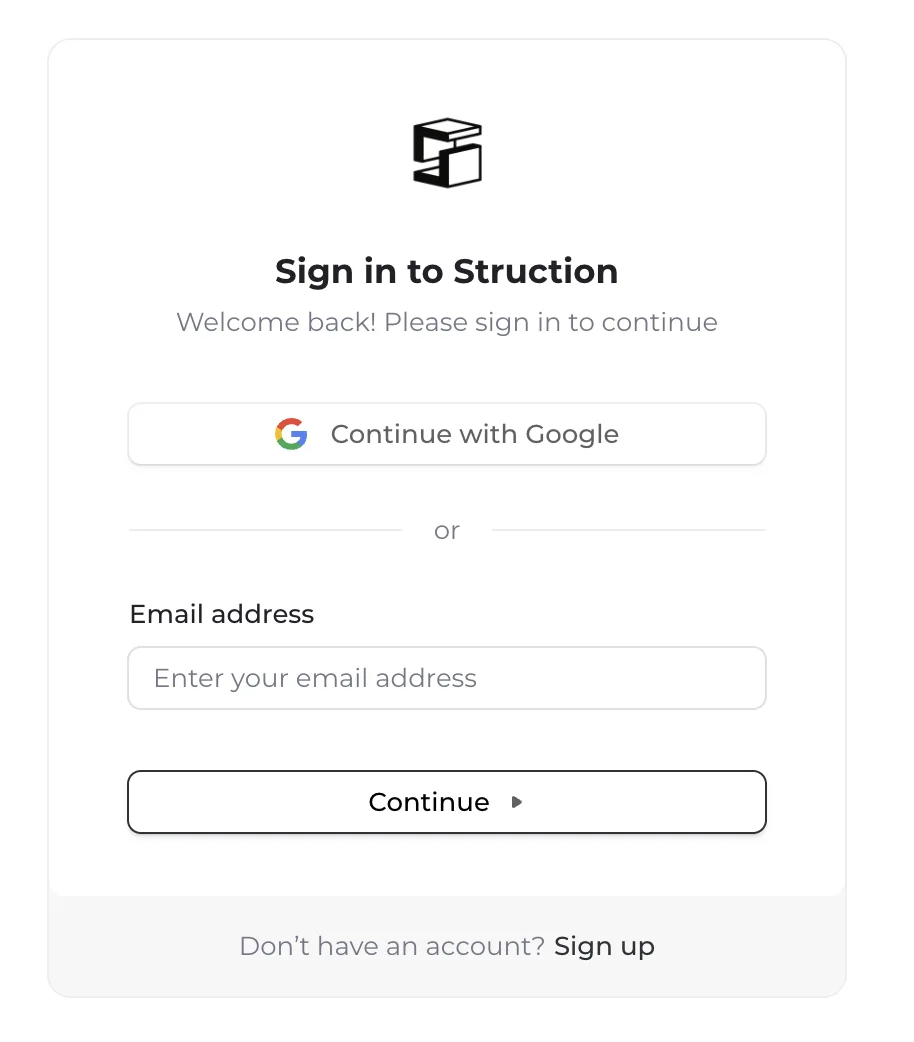
- Go to struction.com and click Sign In in the top right corner.
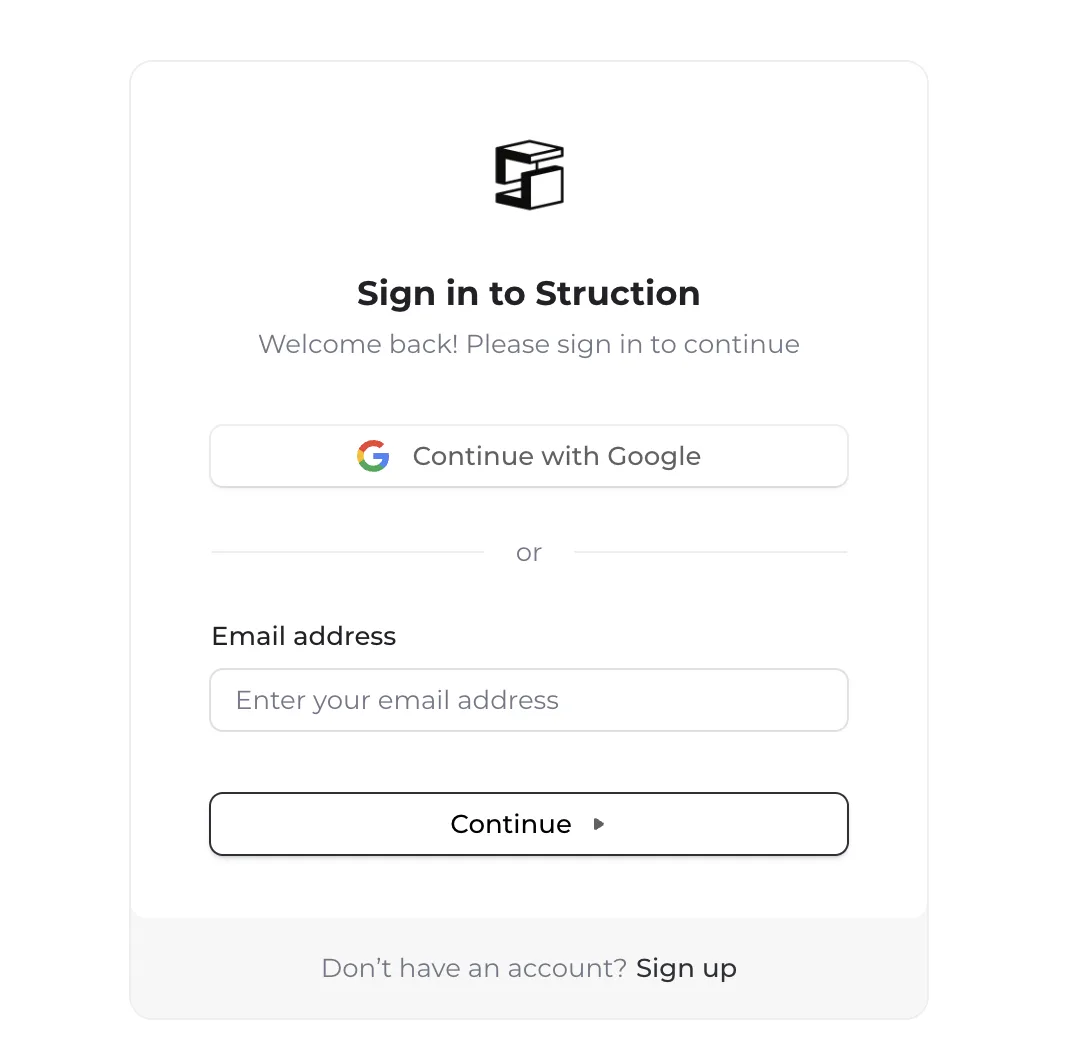
- On the "Sign in to Struction" page, find the prompt at the bottom — "Don't have an account? Sign up" — and click Sign up.
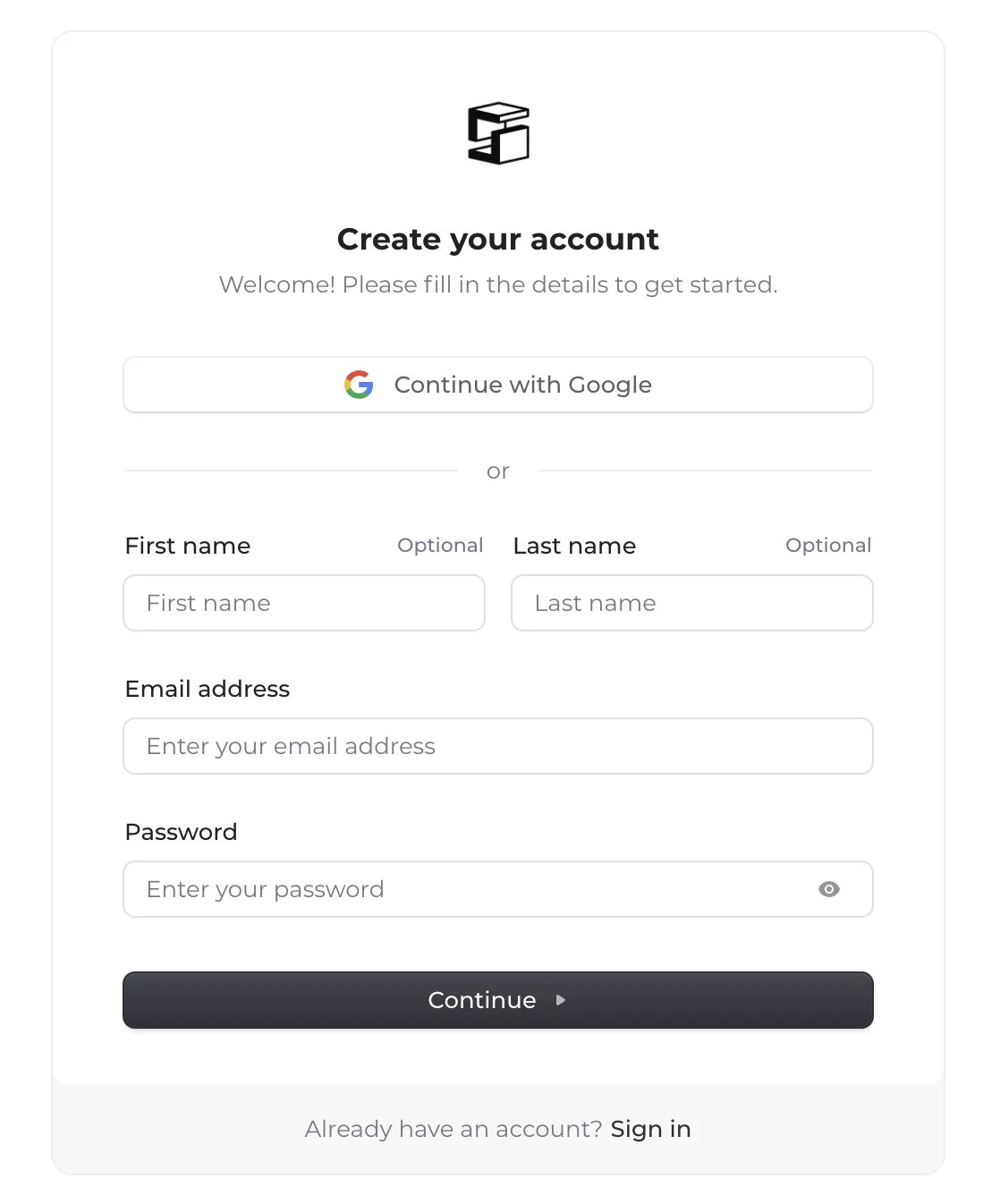
- On the "Create your account" page, fill in your first name, last name, email address, and a secure password. Click Continue and follow the prompts to verify your email.
Existing users (signing in)
- Go to struction.com and click Sign In in the top right corner.
- Enter your email address in the Email Address field and click Continue.
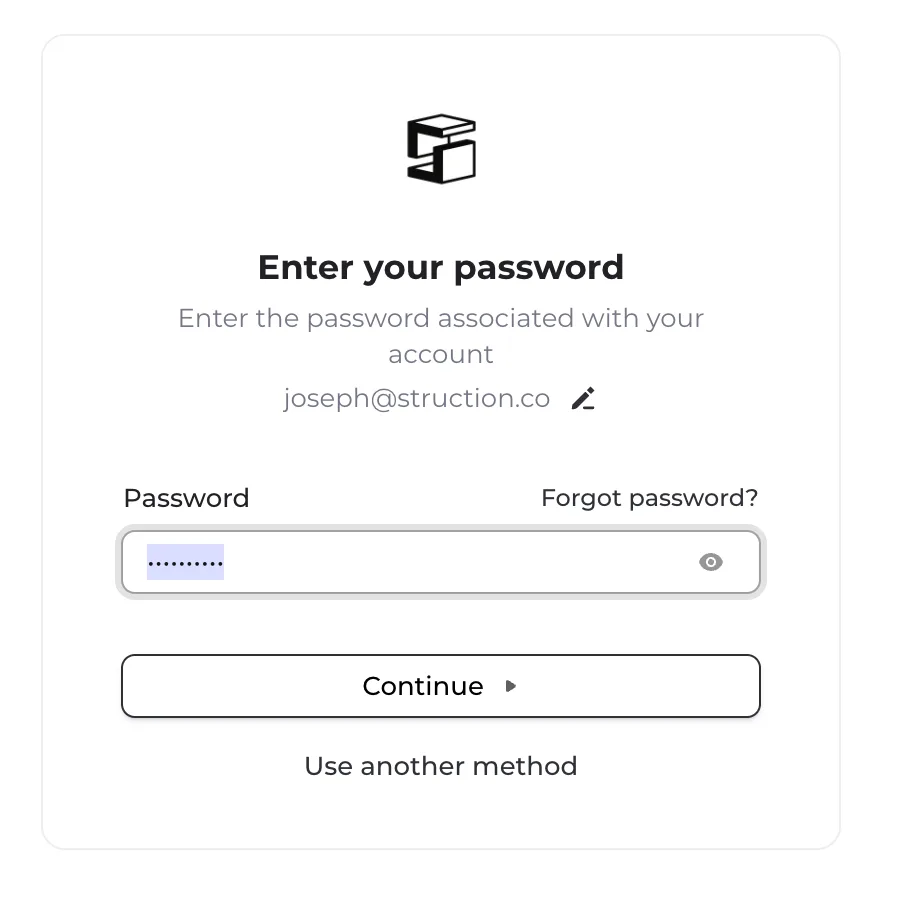
- Enter your password and click Continue. If you've forgotten it, click Forgot password? and follow the prompts to reset.
More docs
Docs for