
Creating a Project
All you need to quote a project in Struction is a set of construction drawings, a name, and a general understanding of retaining walls. You create the project, perform your takeoffs, design your quote, and then publish it for other people to see.
Creating your first project
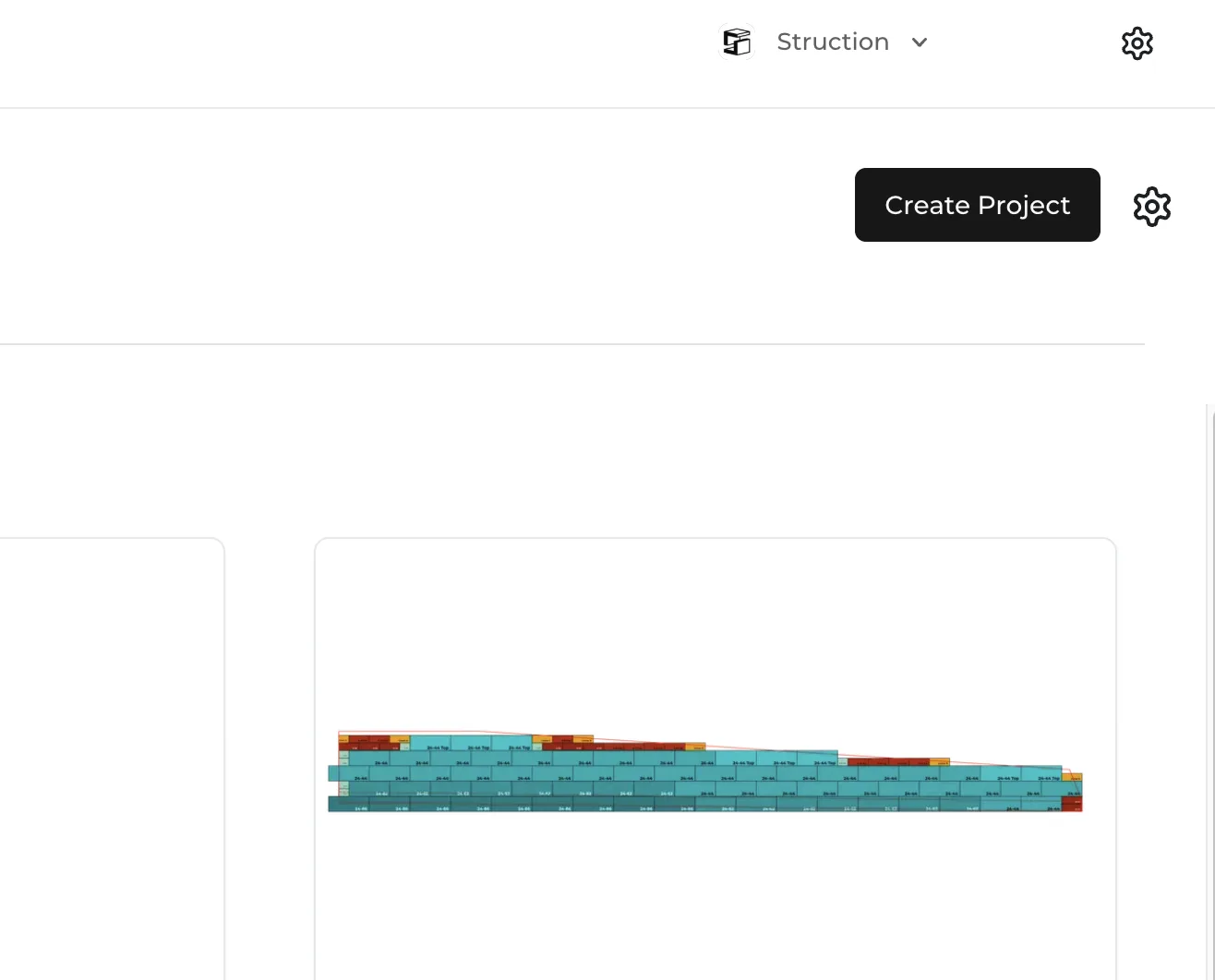
Hit the Create Project button in the upper right corner of the Projects Overview page. That takes you to the Create Project page.
Uploading construction documents
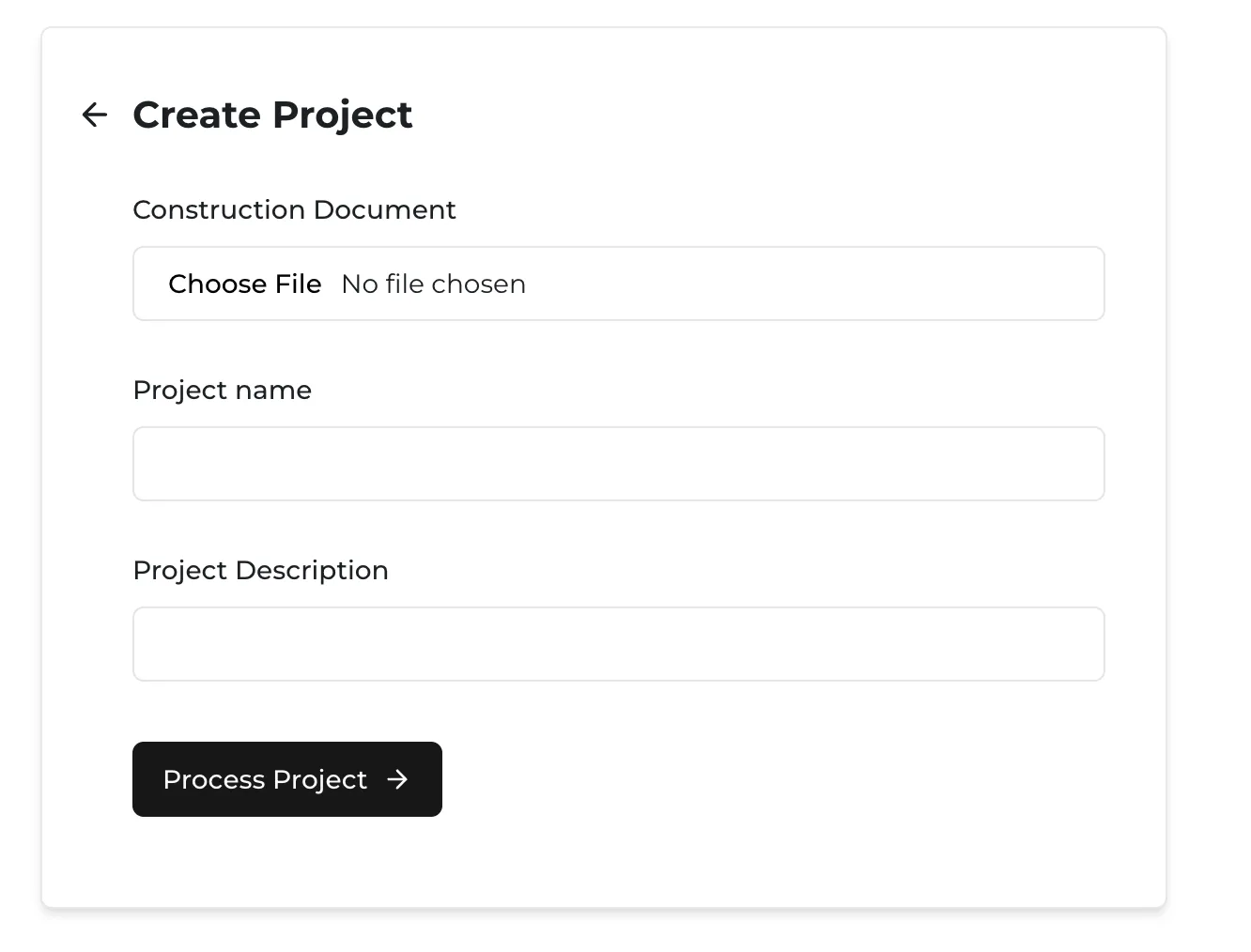
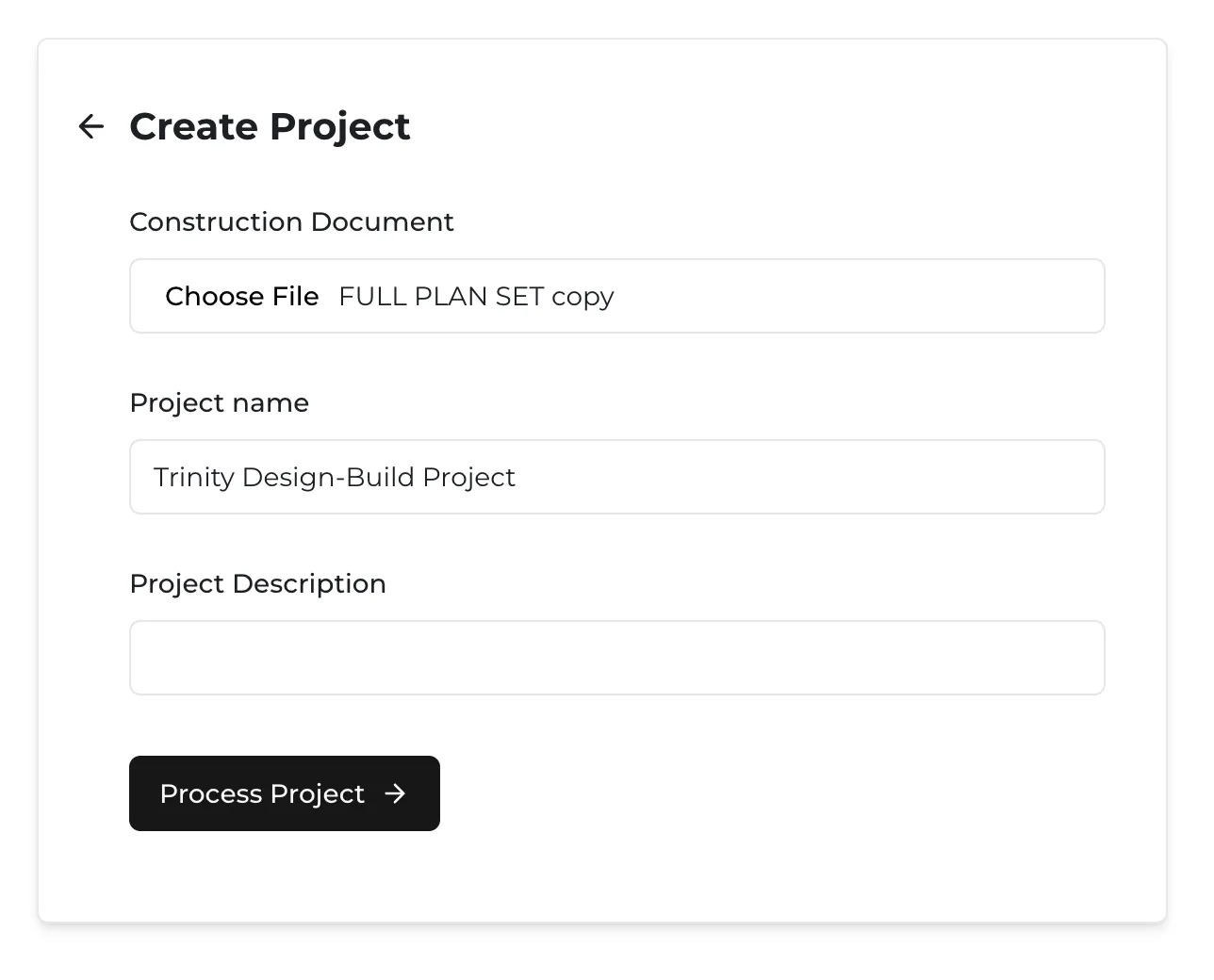
Click Choose File under the Construction Document label, select the PDF drawings for your project from your local drive, and check that the Project Name looks right. You can add a description for record keeping, but it isn't required.
Processing your project
Click Process Project to let our AI look for retaining walls and start your takeoff. Processing takes anywhere from a few seconds to a few minutes depending on the size of the document and your internet speed.
Very large documents — drawing sets over 250 MB can take up to 10 minutes to process.
More docs
Docs for