
Onboarding
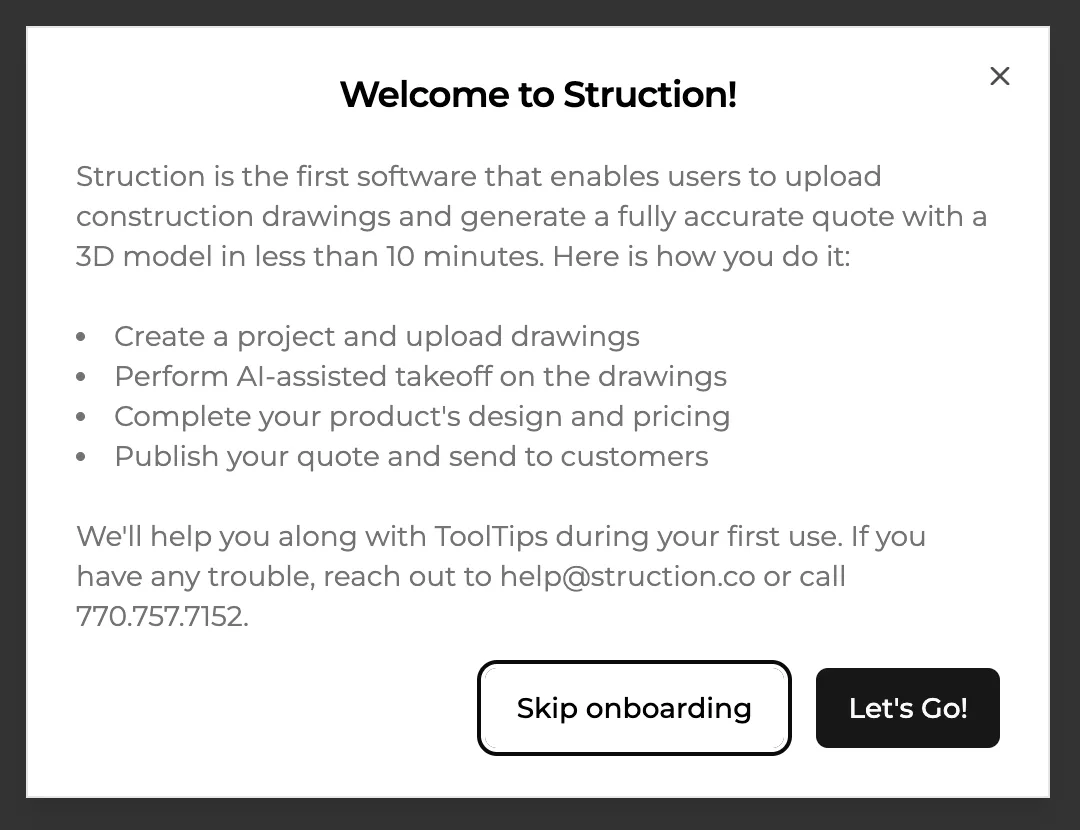
The first time you log in to Struction, you'll be asked whether you want to follow an onboarding workflow. We highly recommend it — it takes a few minutes and shows you most of the important features. Click **Let's Go!**
Projects Overview
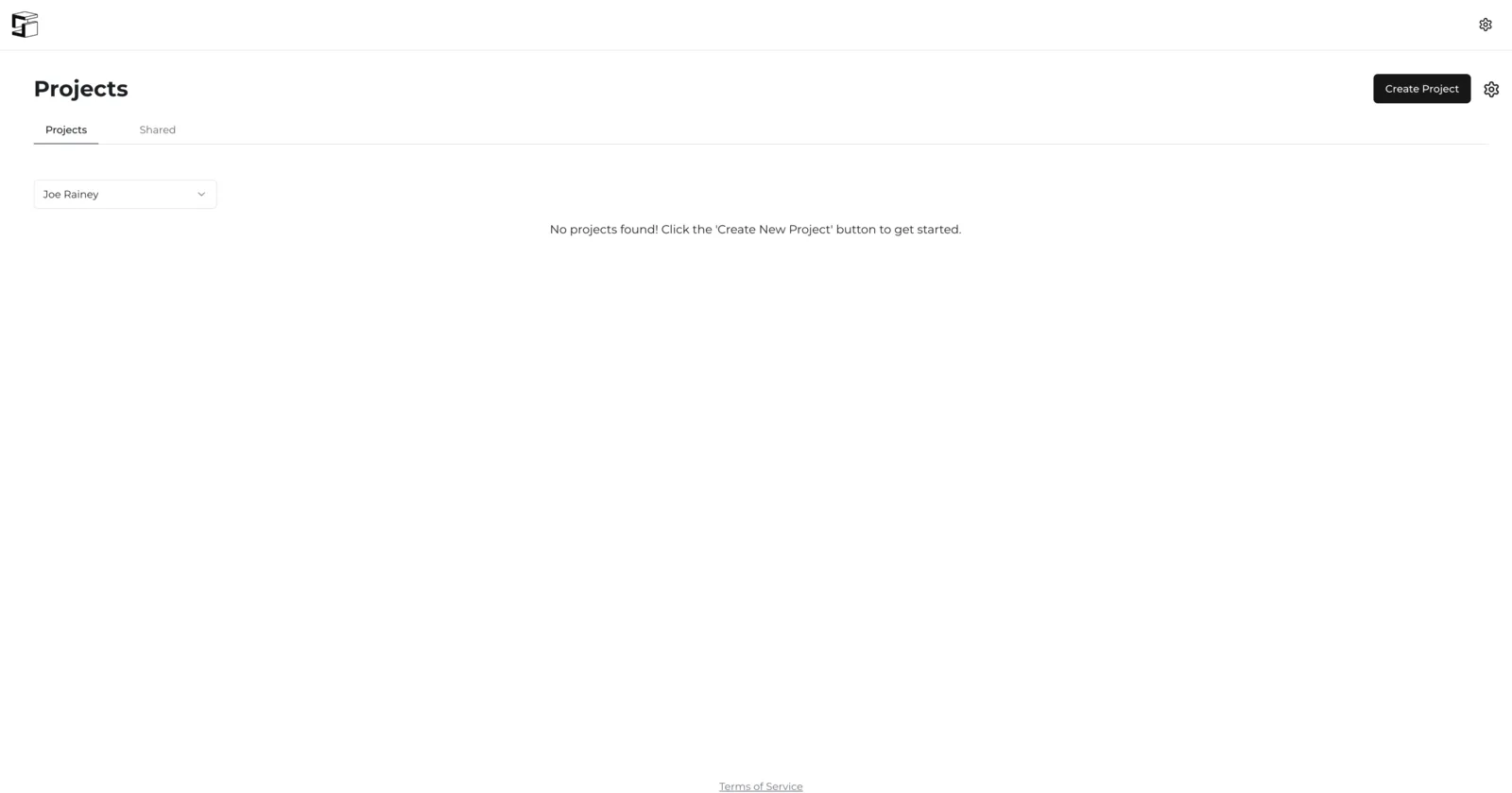
The Projects Overview page is your home base. Every project you create shows up here. As long as you're logged in you can get back to this page from anywhere in the application by clicking the Struction logo in the top left corner. From here you can create a project, update your pricing, change estimating charts, source projects, and more.
Shared projects
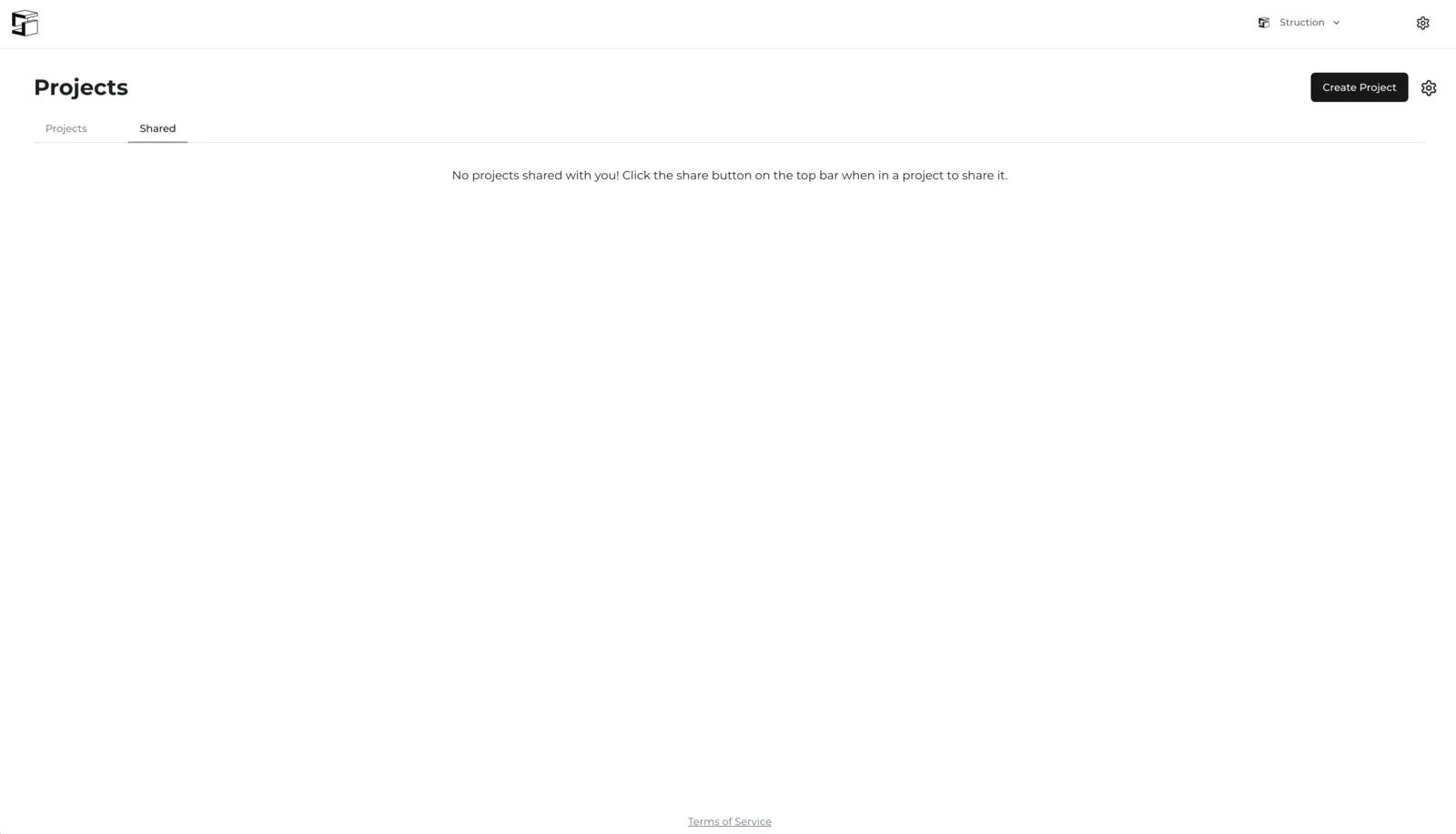
Projects shared with you — by other users in your organization, or by other organizations in your wall system network — show up under the Shared tab on the Projects Overview page.
Switching between imperial and metric
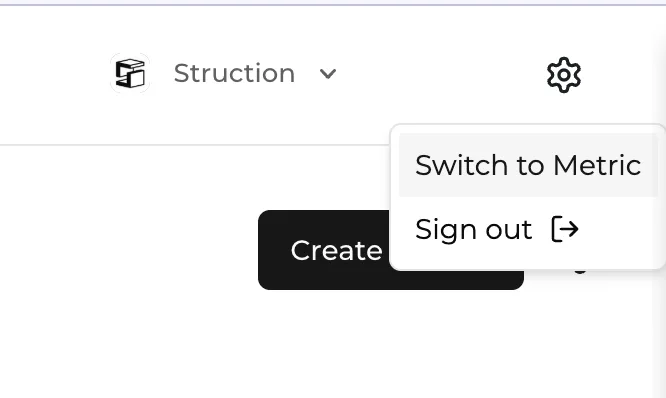
Select the gear icon in the very top right corner of the screen and click Switch to [other unit of measure].
More docs
Docs for